Creativity
Your Child Creates One-of-a-Kind AI Art — 5 Simple Steps With DALL-E & LittleLit
Updated: August 9, 2026 · Thầy Sulato
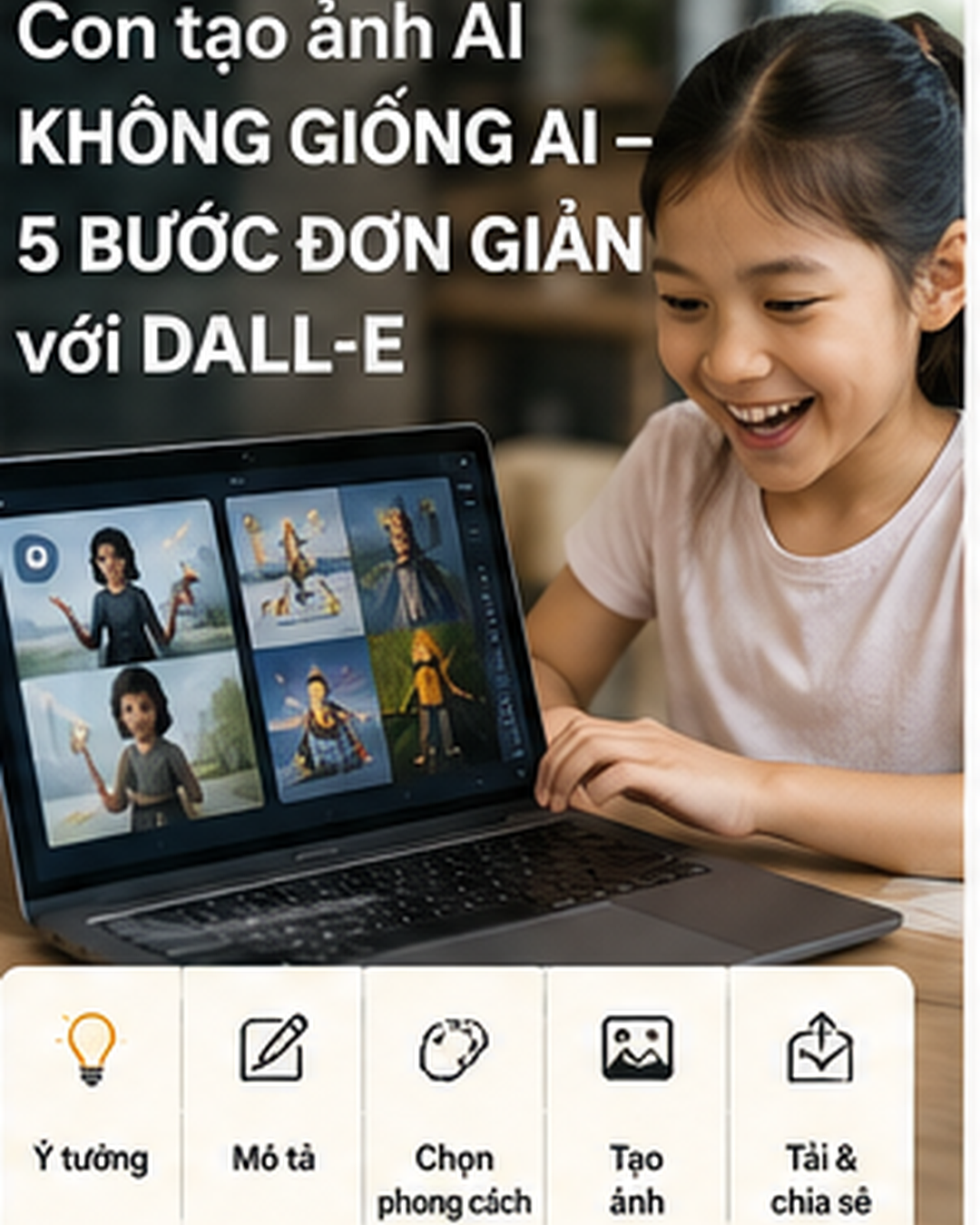
DALL-E (from OpenAI) and LittleLit let your child create AI images from a text description. The skill required: writing a clear description (not drawing). Price: $9-15/month. Safety: content filtering for children (especially on LittleLit).
Last night, a 9-year-old girl in Da Nang asked ChatGPT: "Can you draw me a fairy with butterfly wings, living underground surrounded by yellow flowers?"
No complicated drawing software. No traditional drawing skills. Just a sentence.
Two minutes later, a magical picture appeared on the screen — a one-of-a-kind piece no one had ever seen before, generated by AI straight from the girl's imagination.
That's the power of AI Image Generators — a technology that's changing the way children create.
What Are AI Image Generators? How Do They Work?
DALL-E (developed by OpenAI, the company behind ChatGPT) is an AI trained on millions of images.
When your child types: "A strange blue bird dancing in a pink sky," DALL-E:
1️⃣ Understands each word ("strange bird," "blue," "dancing," "pink sky")
2️⃣ Calculates related patterns from its training data
3️⃣ Generates a completely new image that has never existed before
Here's the amazing part: the AI does not "pull" an existing photo from the internet. It creates something entirely new based on its understanding of the world.
DALL-E vs LittleLit: Which One Fits Your Child?
| Criteria | DALL-E 3 | LittleLit |
|---|---|---|
| Suitable Age | 8+ (with supervision) | 6+ |
| Price | Free, 15 images/month; $20 for 115 images | $7.99/month (unlimited) |
| Safety | Standard; supervision needed | High; designed for children |
| Other Features | Integrated with ChatGPT | 1000+ projects + step-by-step guides |
Bottom line: If your child is just starting out, choose LittleLit. If your child wants higher quality + ChatGPT integration, choose DALL-E.
5 Steps to Create AI Images With Your Child
Step 1: Write a Clear Description (It Doesn't Need to Be Complicated)
Weak description: "A beautiful scene"
Good description: "An 8-year-old girl swimming in a crystal-clear blue lake, surrounded by flowers floating on the water, with snow-capped mountains in the background"
Tip: Guide your child to ask themselves 4 questions:
- ✓ Who or what is the subject? (a girl, a dog, a castle)
- ✓ What are they doing? (swimming, running, jumping)
- ✓ What does the background look like? (sky, ocean, forest)
- ✓ What are the colors? (blue, red, yellow)
Step 2: Enter the Description Into DALL-E or LittleLit
If using DALL-E:
- 1. Go to openai.com → click DALL-E
- 2. Log in or create an account
- 3. Type your child's description into the "Create" box
- 4. Click "Generate"
If using LittleLit:
- 1. Go to littlelit.ai
- 2. Choose the "Create an Image with AI" project
- 3. Type the description
- 4. Click "Create"
Step 3: Look at the Results & Ask Why
The AI will generate 4 different images from the same description.
Ask your child: "Which one do you like best? Why?"
This gets your child thinking critically — a skill more valuable than any single image.
Step 4: Refine If Not Satisfied
If the result isn't quite what your child had in mind, adjust the description:
First attempt: "A girl swimming underwater"
Result: The AI creates a girl swimming on the surface, not underwater
Refinement: "A girl UNDERWATER, seen from below looking up, with bubbles rising around her"
Benefit: This process teaches your child to think more clearly — how to say exactly what they mean.
Step 5: Share, Save & Keep Creating
Once the image is ready, your child can:
- 📸 Save the image to a computer
- 📱 Share it on social media (with parental supervision)
- 🎨 Print it out as a gift for family
- ✍️ Write a story based on the AI image
📖 Real Example:
A 10-year-old boy in Saigon used DALL-E to generate a series of images of an "alien superhero." He then wrote a 2000-word story about the character. His teacher said: "This is the best piece of writing I've ever received from this class."
AI didn't "do the homework" for him — it sparked his creativity.
Warning: What Parents Need to Know
⚠️ Copyright & Ownership: Does your child own the AI-generated image?
The answer: It depends on the country, but most countries allow personal use. However, your child cannot sell AI images or use them commercially without permission.
⚠️ Inappropriate Content: DALL-E has content filters, but they are not perfect. Supervise what your child creates.
⚠️ Cost Limits: DALL-E charges per image generated. If your child gets carried away, the bill can add up quickly.
Conclusion: Creative Technology
AI image generators like DALL-E and LittleLit don't replace creativity — they expand it.
Your child doesn't need to know how to draw to create beautiful images. They just need to know how to imagine and express an idea.
That's a skill that will set your child apart in the future.
📚 AI Smart, Kids in Control
4 complete courses, 60 structured lessons — your child learns AI the right way, with parents by their side.
View Plans →